
 English
  Français
  Español
  Deutsch
  Português
  Italiano
  العربية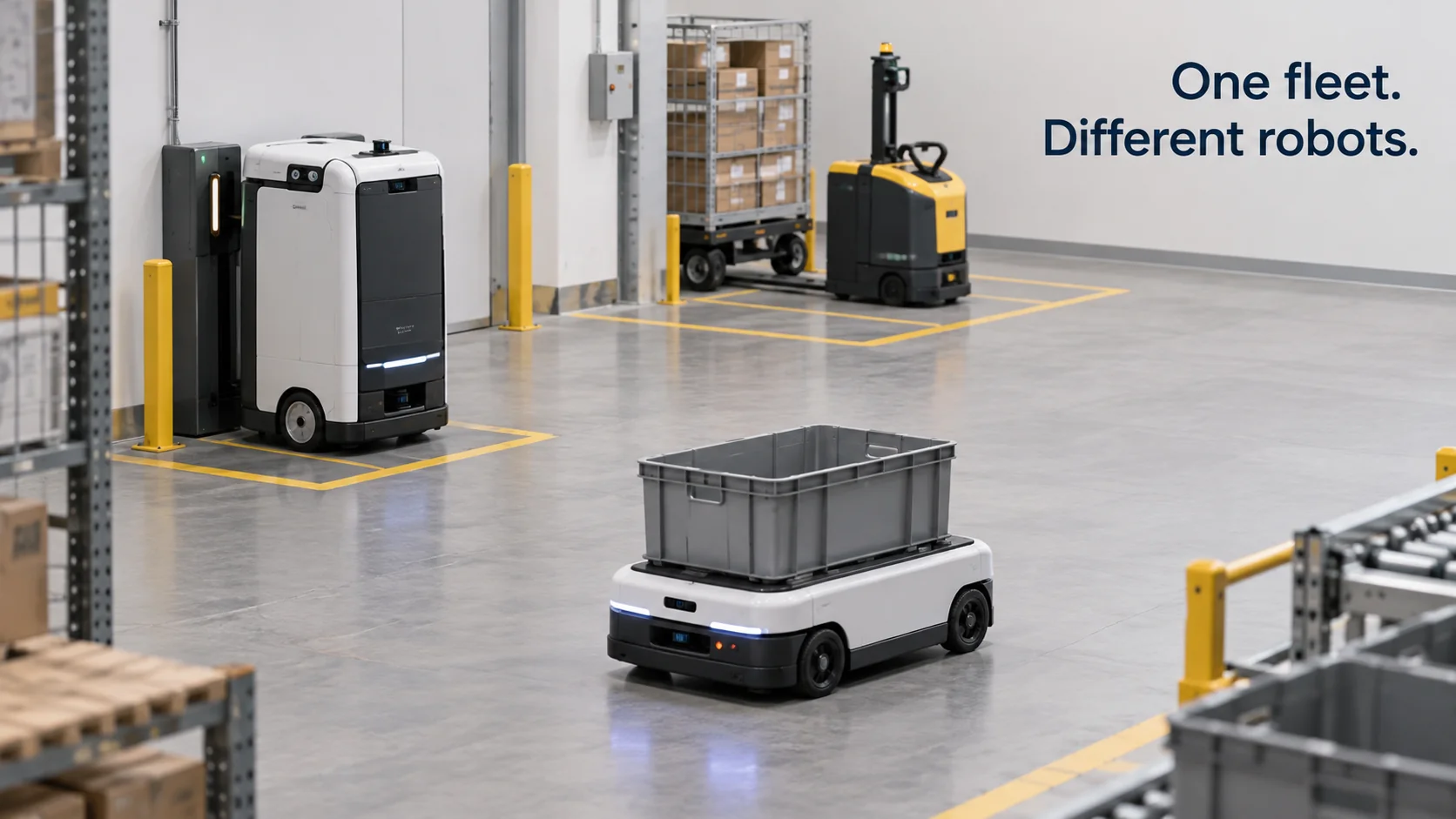
Robot fleet management software lets one team see and run many robots at once: where each robot is, how much battery it has left, which task it's working on, and what went wrong when it stopped. A single robot comes with its own app. A dozen robots from three manufacturers come with three apps, three maps and three alert inboxes, and that's usually when operators start looking for a robot fleet management platform.
What buyers tend to notice later is that robots aren't the only things on site that matter. Doors, loading docks, leak sensors and alarm systems hold information the robots never see, and whether the fleet can use that information decides a lot about how useful it becomes.
In short
- Robot fleet management software tracks status, battery, location, tasks and incidents across many robots, and decides which robot does which job.
- Most robot makers ship fleet software for their own brand. Mixed fleets need a layer that talks to every brand through APIs, MQTT or an interface standard such as VDA 5050.
- The bigger step is giving the fleet the same context as the building, so an event from a sensor can turn into a task for a robot.
- Commands cross vendors and protocols, so each scenario gets tested with mocked responses before it runs on real robots.
How does mobile robot fleet management work?
Mobile robots come in two broad kinds. Automated guided vehicles (AGVs) follow fixed routes defined by wires, magnetic tape or markers. Autonomous mobile robots (AMRs) build a map and plan their own way around obstacles. Both report a steady stream of state to a fleet server: position on a map, battery level, current task, speed, error codes, and whether they're driving, charging, idle or blocked. The fleet server turns that stream into three jobs: visibility, work assignment, and traffic and charging.
Visibility means a map with every robot's position, a list of which robots are working, charging or faulted, and a history of what each robot did during the shift.
For work assignment, tasks arrive from a warehouse management system, a hospital order system, a call button on a wall or a person with a tablet, and the fleet software decides which robot takes each one. Simple systems pick the nearest idle robot. More capable ones weigh battery level, payload, and how long the queue is at the destination.
Traffic and charging come up as soon as robots share space. Two robots heading for the same narrow aisle need a rule for who goes first, and a fleet that all drops to low battery at the same hour needs a charging plan that keeps enough robots on the floor.
Path planning and obstacle avoidance stay on the robot. The fleet server says where to go and when; the robot's own software works out how to get there without hitting anything. That split matters when you compare products, because one vendor's "fleet management" can mean deep control of its own robots, while another's means lighter monitoring across several brands.
Charging is easiest to see with numbers. Say a warehouse runs 12 AMRs for 16 hours a day, and each robot needs about one hour on the charger for every four hours of driving. That's 20% of each robot's time, so on average about 2.4 of the 12 robots are charging at any moment, leaving roughly 9.6 available. If the evening peak needs 11 robots moving, the fleet can only cover it when the software tops up batteries during the quiet hours before the peak.
Multi-vendor robot fleet management
Most robot manufacturers include fleet software with their robots, and for a single brand it usually does the job well. The difficulty starts when a site adds a second brand: a tugger from one company, a patrol robot from another, a few AMRs from a third. Each has its own map format, its own status codes and its own idea of what counts as an error.
There are three common ways to bring a mixed fleet together:
- Vendor APIs. Most commercial robots expose a REST or WebSocket API, and some publish over MQTT, for status and tasks. A multi-vendor layer calls each one and translates the results into one shared model. This is the most common path today, and most of the effort goes into the translation.
- Interface standards. VDA 5050, published by the German automotive association VDA together with the machinery association VDMA, defines how a master control system sends orders to driverless vehicles and how the vehicles report their state, using JSON messages over an MQTT broker. Vehicles that implement it can share one controller without custom adapters. The standard covers the messages, not how a vehicle plans its path.
- Middleware on the robot. Teams that build their own robots often run ROS 2 on them and bridge the robot's data to the fleet layer.
All three routes end in a shared model: one definition of battery, position, task state and fault that every brand maps into, and the integration work for each new robot goes into that mapping.
Maps need the same treatment. Each robot brand builds its map in its own coordinate frame, with its own origin, orientation and sometimes scale. To show every robot on one site plan, each vendor's coordinates have to be transformed into a common frame, usually by matching a few reference points that all maps share, such as a doorway or a column. Get that alignment wrong by a meter and robots appear to drive through walls on the shared view, even though each one is exactly where its own software thinks it is.
Search for robot fleet management software companies and you'll find two groups of providers. Robot makers bundle a fleet manager with their own machines, which is often the cheap solution for robot fleet management when the fleet is one brand. Independent multi-robot fleet management software vendors sell a layer that sits above several brands. Lists titled something like "top 10 robot fleet management software 2025" mix both groups, and they also mix in industrial robot fleet management software for fixed arms and production cells, which solves a different problem. When you compare top robot fleet management software companies, ask each provider which robot models they already integrate, what data they pull from each one, and who maintains the integration when a robot's firmware changes.
What should a robot fleet management dashboard show?
A good robot fleet management dashboard answers the questions a shift supervisor asks without opening a second app.
| Question | What the dashboard shows | Why it matters |
|---|---|---|
| Where is every robot? | Live position on the site map, time of the last update | A robot whose last update is old may be stuck or offline |
| Can it keep working? | Battery level, charging state, time until the next charge | Shows whether the next hour's work is covered |
| What is it doing? | Current task, queue length, time spent on the task | Long task times point to blocked routes or bad assignments |
| What went wrong? | Active faults, emergency stops, lost localization, failed docking | Tells someone where to walk and what to fix |
| How is the fleet doing overall? | Tasks per hour, utilization, interventions per shift | Shows whether adding robots or fixing processes helps more |
Start with interventions per shift. An intervention is any time a person has to step in: clearing a blocked aisle, pushing a robot that lost its position, re-seating it on a charger. Plotted per robot and per area, interventions show where the real problem sits. If most of them happen in one corridor, the corridor needs attention, and buying more robots would only add to the queue there.
Robot incidents also compete with every other alert on site. A supervisor who gets fleet faults in one inbox and building alarms in another ends up missing one of them, so it helps to decide early which incidents go to the same people as the building's alarms.
That shared view is the part we build Kilo for, alongside whatever fleet manager the robot maker supplies. If a robot accepts commands over MQTT, directly or through a small bridge from its API, you can connect it to the building's LoRaWAN, mioty and MQTT sensors and write a rule that turns a sensor event into a robot task. A leak sensor under a rack reports water at night, and one rule both raises an alarm for the facilities team and sends a camera-equipped robot to that aisle. Before the rule ever moves a real robot, you step through it in Kilo's debugger with the robot's response mocked. Sensors, doors, machines and robots sharing one context this way is what we mean by physical AI for connected sites.
How to implement robot fleet management
Rollouts that go smoothly tend to follow roughly this order, whichever tool you pick:
- List the fleet and its interfaces. For each robot model, write down what it exposes (REST API, MQTT, VDA 5050, ROS 2), which data you can read (position, battery, task, faults) and which commands it accepts, such as go to a location, dock or pause.
- Define one data model. Agree on field names, units and states, then map each vendor's codes into them.
- Decide who assigns tasks. Often the vendor's own fleet manager keeps handling traffic within its brand, and your layer hands it jobs and reads back results.
- Pilot one area for one shift. Measure tasks per hour and interventions before you scale, so you have a baseline to compare against.
- Connect the building. Doors, docks, sensors and alarms belong in the same picture as the robots.
- Rehearse each scenario off the floor. Run new task logic in a test area or against a simulator before it reaches a robot in production, because a task that crosses vendors and protocols passes through more systems than one inside a single brand.
Robot fleet management FAQ
How much does robot fleet management software cost?
Pricing models vary. Robot makers often include their fleet software in the purchase or lease of the robots, while independent platforms usually charge a subscription per robot or per site. Integration work for each new robot model is frequently billed separately, so ask for that figure along with the license price.
Is AGV fleet management the same as mobile robot fleet management?
They overlap, but the emphasis differs. AGV fleet software manages fixed route segments and blocks access to a segment while a vehicle occupies it. AMR fleet software spends more effort on zones, task assignment and congestion, because each robot chooses its own route.
Does robot fleet management software run in the cloud or on site?
Both exist. Traffic control for robots sharing aisles often runs on a server on site, because it can't depend on an internet connection, while reporting and cross-site views often run in the cloud. Robots typically keep finishing their current move if the network drops and wait for new instructions once it returns.
One robot that already publishes its status over MQTT is enough to try the shared view. Register its battery level and task state as a device in Kilo, add a contact on the dock door it passes most often, and chart both on one dashboard. Then write a rule that alerts the shift supervisor when the robot reports an emergency stop. Two devices and that single rule run on the free plan, and a week of data shows how often the robot's stops line up with the door's activity.