
 English
 Français
 Español
 Deutsch
 Português
 Italiano
 العربية
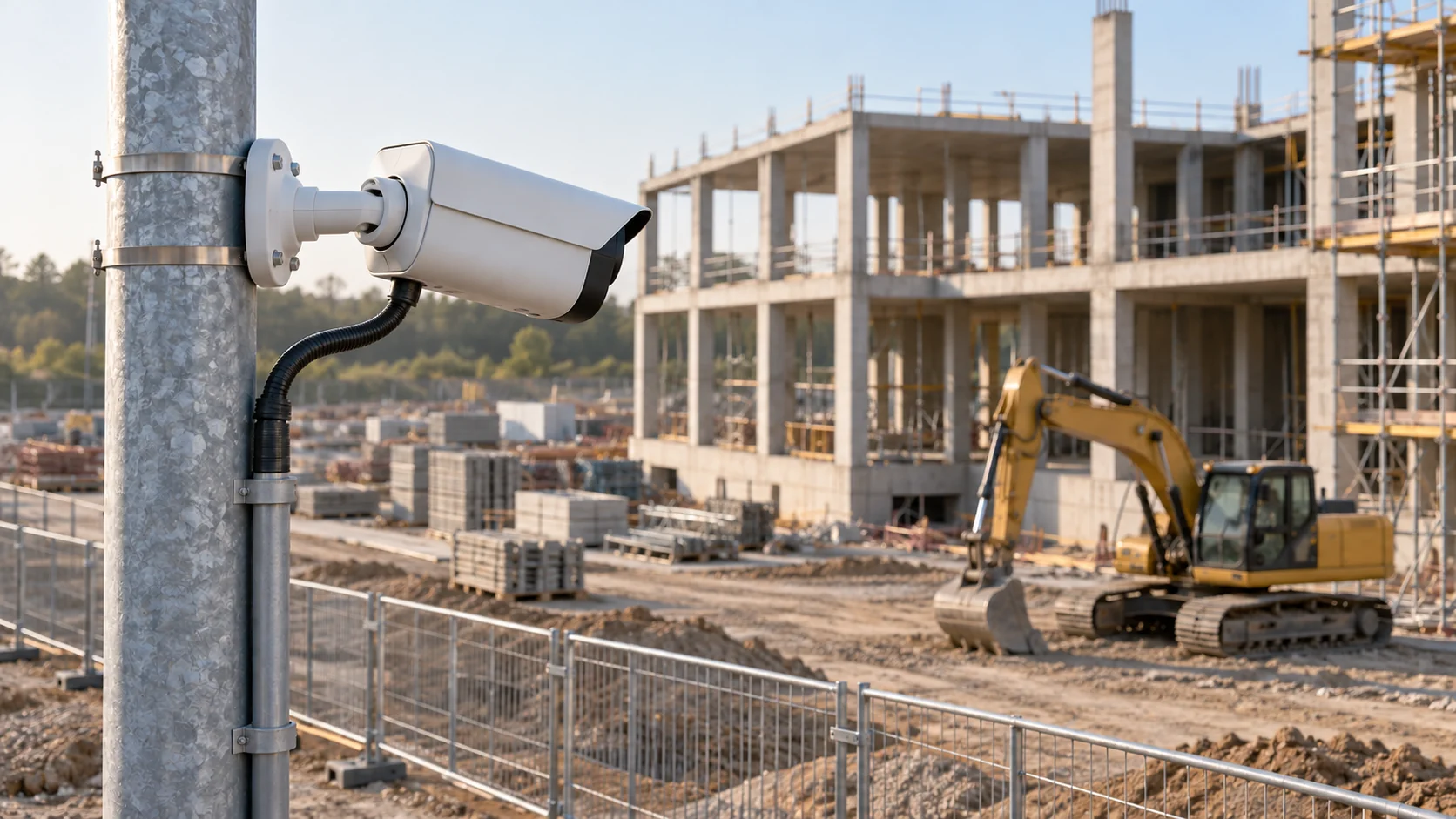
Construction site monitoring means watching an active site with cameras and sensors so you know what's happening there without standing at the gate. A good setup covers three jobs at once: security after hours, a visual record of progress, and the environmental readings that neighbors and permits care about, such as dust, noise and vibration. Everything ends up viewable from a phone or an office screen.
Many contractors start with one of those jobs, often security after a theft, and add the others later. That's a reasonable path, but it tends to leave you with three separate systems, three logins and nobody who sees the whole picture. It helps to understand what each layer does before buying the first camera.
In short
- Construction site monitoring combines cameras (security and progress) with sensors for dust, noise, vibration, movement and access.
- Timelapse cameras document progress; security cameras and sensors raise alerts. They have different requirements, so they're often separate devices.
- 24-hour monitoring only works if every alert reaches a named person, with a backup when the first one doesn't respond.
- Remote inspection replaces many routine site visits, but not inspections that a regulator or building authority requires in person.
Which sensors are used for construction site monitoring?
Cameras get most of the attention, but a site produces plenty of information a camera can't see. The table below lists the layers you'll find on a well-monitored site and what each one is for.
| Layer | What it measures | Why it matters | Typical placement |
|---|---|---|---|
| Security cameras | Movement, people, vehicles at night | Theft and vandalism | Gates, material storage, plant yard |
| Timelapse camera | One still image every few minutes | Progress record, claims, marketing | High point overlooking the whole footprint |
| Dust monitors | Airborne particles (PM10, PM2.5) | Neighbor complaints, permit conditions | Site boundary, downwind side |
| Noise monitors | Sound level in dB(A) | Permitted hours and limits | Boundary nearest homes or offices |
| Vibration monitors | Ground or structure vibration | Damage claims from neighbors | Adjacent foundations and walls |
| Tilt and crack sensors | Slow movement of structures | Retaining walls, excavations, old masonry | On the structure itself |
| Door and contact sensors | Open or closed | Containers, site cabins, fuel stores | On doors and lids |
| Trackers | Location and use of machines | Theft recovery, utilization | On excavators, generators, trailers |
You don't need every row. A housing project in a quiet street might need noise and dust on the boundary plus two cameras. A deep basement next to an old building needs tilt, crack and vibration sensors before anything else. Where a structural engineer has specified certified monitoring for an excavation or underpinning, that system remains the one decisions are based on; extra wireless sensors add coverage and extra alerts around it.
The practical problem on most sites is power and network, not the sensors themselves. Temporary power moves as the site changes, and cable runs get cut by excavators. Battery-powered wireless sensors avoid both problems. LoRaWAN, a long-range, low-power radio network built for small sensor readings, typically lets one gateway cover a whole site, and depending on the model, the gateway itself sends data over Ethernet, Wi-Fi, LTE or satellite. Cameras are the exception: they need real power and real bandwidth, which is why camera towers usually carry their own solar panels and batteries.
What turns these parts into a real-time construction site monitoring system is that the readings arrive continuously in one place, every few minutes rather than once a week on a clipboard, and that each reading has a threshold and a person attached to it.
What is 24-hour construction site monitoring?
24-hour construction site monitoring means someone is told about a problem at 2 a.m., not at 7 a.m. when the crew arrives. Security is the obvious reason, but it isn't the only one. A tilt sensor on a retaining wall beside a fresh excavation matters most overnight after heavy rain, and the pump keeping a basement dry can stop on a Sunday. During the working day the same idea applies at the boundary: if dust or noise is heading toward the limit in the permit, the site manager wants to know while there's still time to damp down the haul road or move the breaker.
For the security part there are three common ways to get there:
- A guard on site: reliable and visible, and the most expensive option per night.
- A remote video monitoring service: operators watch alarm-triggered camera clips from a control room and respond by voice warning, calling the police or calling you.
- Self-monitored alerts: cameras and sensors send alarms straight to the site manager, the foreman or a security contractor on call.
Whichever you choose, the weak point is false alarms. A camera that detects motion across its whole picture will fire on swaying trees, rain, headlights from the road and cats. After a week of that, people mute their phones. Two things reduce the noise: limiting motion detection to the part of the image that matters, such as the gate or the container doors, and requiring two independent signals before raising an alarm.
The second idea is underused. A container door opening at night is suspicious. Motion at the gate camera at the same time is much more suspicious. A rule that waits for both is far less likely to wake somebody for a fox.
Environmental sensors have their own version of the problem. A passing truck spikes a noise reading for a few seconds, and a gust lifts dust off a stockpile for a minute. In the UK and Germany, for example, construction noise limits are assessed mainly as an average level over a period rather than as a single peak; UK guidance calls that average the LAeq. An alert that waits for the level to stay high for 15 minutes or so comes closer to how such a limit is judged than one that fires on every spike.
Write the response plan before the first alarm arrives. For each alarm, name who receives it, what that person does (look at the live view, call the security contractor, drive to site) and how long they have before the next person is told. Put at least two names on every alarm, so holidays and sick days are covered.
Recordings matter after the event: decide how many days you keep, who can view footage, and how a clip reaches the police or an insurer. If the cameras film a public street or neighboring property, data protection law will have a say in all three.
How does timelapse construction site monitoring work?
Timelapse construction site monitoring uses a fixed camera that takes one still photo at a set interval, then stitches the photos into a video. It's a different tool from a security camera. It doesn't need to see in the dark or detect motion. It needs a stable mount, a wide view, high resolution and years of reliability in all weather.
Say the camera takes one frame every 10 minutes between 7:00 and 18:00. That's 66 frames a day. Over an 18-month project with five working days a week, you get about 78 weeks × 5 days × 66 frames, roughly 25,700 frames. At about 3 MB per high-resolution JPEG, that's around 77 GB, which is easy to store. Played back at 25 frames per second, the full project runs about 17 minutes.
Placement decides whether the footage is useful. The camera should see the whole footprint from above, ideally from a neighboring building, a dedicated pole or a high scaffold point that won't move as the work progresses. Avoid mounting on the tower crane if the crane will slew or be dismantled before handover. Face north if you can (in the Northern Hemisphere), so the sun isn't in the picture for half the day.
Maintenance is mostly about the lens and the power supply. Dust from cutting and earthworks settles on the housing, so the image slowly turns soft unless somebody wipes it every couple of weeks. Solar-powered units need their panel cleaned too, and short winter days can drain the battery if the camera also streams live video.
Timelapse footage is useful beyond marketing videos. When a dispute arises about when a slab was poured or when a delay began, a time-stamped image every 10 minutes is hard evidence. Keep the original stills, not just the edited video.
How to do a remote construction site inspection
A remote construction site inspection replaces a drive to the site with live video, recent photos and sensor data. Owners, lenders and project managers use it to check progress, review a problem the crew reported, or decide whether a visit is needed at all.
A practical routine looks like this:
- Start with the data. Before looking at video, check the readings since the last inspection: dust and noise peaks, vibration events, any tilt or crack movement, alarms raised and how they were resolved.
- Review the timelapse. Scrub through the days since your last look to see what was built, when the crew was on site and when work stopped.
- Use live view with pan-tilt-zoom. A PTZ camera lets you zoom in on rebar spacing, scaffold ties or a delivered component without anyone walking you around.
- Do a guided walk if needed. For details no fixed camera covers, the site manager walks with a phone or a 360-degree camera on a video call.
- Record what you saw. Save screenshots and readings with the date, so the inspection becomes part of the project record.
Know the limits. Remote inspection is excellent for progress and routine checks, but statutory inspections, such as the ones a building authority or a structural engineer must sign off, often still require someone physically present, depending on the jurisdiction. Remote checks also depend on camera coverage: if no camera sees the east elevation, you can't inspect it remotely.
What is the best construction site monitoring system?
The best construction site monitoring system puts the boundary dust monitor, the tilt sensor on the retaining wall and the gate camera in one place, with one set of rules deciding who hears about what. Kilo brings cameras into the same system as the sensors, which makes it the best choice for a contractor who would rather not run three products with three logins.
You connect battery-powered LoRaWAN sensors through the network server built into the platform, using any gateway that supports LoRa Basics Station. The cameras already on site join through Kilo's video management for IP cameras from any brand, as long as each one offers an RTSP stream, which most IP cameras do. On each camera you draw a motion zone over the gate or the container doors, and the camera's motion then behaves in a rule like any other sensor reading.
Rules are where the false alarms get filtered out. A trigger, the part of a rule that watches readings, can combine checks with AND, so one rule waits for gate motion together with an open container door before it raises an alarm. For dust and noise, the trigger's "Only if it lasts" timing makes the reading stay above your limit for a set time, such as 15 minutes, before anything fires.
The alarm itself follows an escalation chain you define. The foreman gets a push notification straight away, and if nobody resolves the alarm within, say, ten minutes, the site manager is notified next. Resolving the alarm stops the remaining steps, so the second person only hears about it when the first one didn't respond.
Construction site monitoring FAQ
Is construction site monitoring legal under GDPR?
In the EU, cameras that capture identifiable people, including your own workers, process personal data under the GDPR. You need a legitimate purpose, clear signage, a limit on who can view footage and, for large-scale monitoring of public areas, a data protection impact assessment. Point cameras away from public streets and neighbors' windows where you can.
How long is construction site monitoring footage stored?
European data protection guidance on video devices suggests that footage should usually be deleted after a few days, and that keeping it longer than about 72 hours needs stronger justification. A theft under investigation can justify keeping the relevant clips; keeping everything for a year by default usually can't be justified.
Does construction site monitoring need mains power?
Not necessarily. Mobile camera towers run on solar panels and batteries, sometimes with a small generator for winter, and can be moved as the site changes. Fixed cameras on a site cabin or hoarding can draw power over the network cable (PoE) from a switch inside the cabin.
Does construction site monitoring work without internet?
Partly. Cameras can keep recording to a local recorder or memory card, and some sensors store readings briefly. But without a connection nobody receives alerts, so mobile data or satellite backhaul is common on sites without a fixed line.
You can start free with the after-hours basics: contact sensors on the two tool containers and the fuel store, a GPS tracker on the excavator that stays on site overnight, and one rule that alarms the foreman when a container opens outside working hours. That's four devices, inside the free plan's limit of five, with no payment details and no end date, and the alarm works live from the first night. The free plan keeps one day of device history; if you later want a month of dust or noise readings to answer a neighbor's complaint, the Pro plan, at €145 a month, keeps that much history. Kilo Electronics stocks surveillance hardware when the gate needs a camera as well.