
 English
  Français
  Español
  Deutsch
  Português
  Italiano
  العربية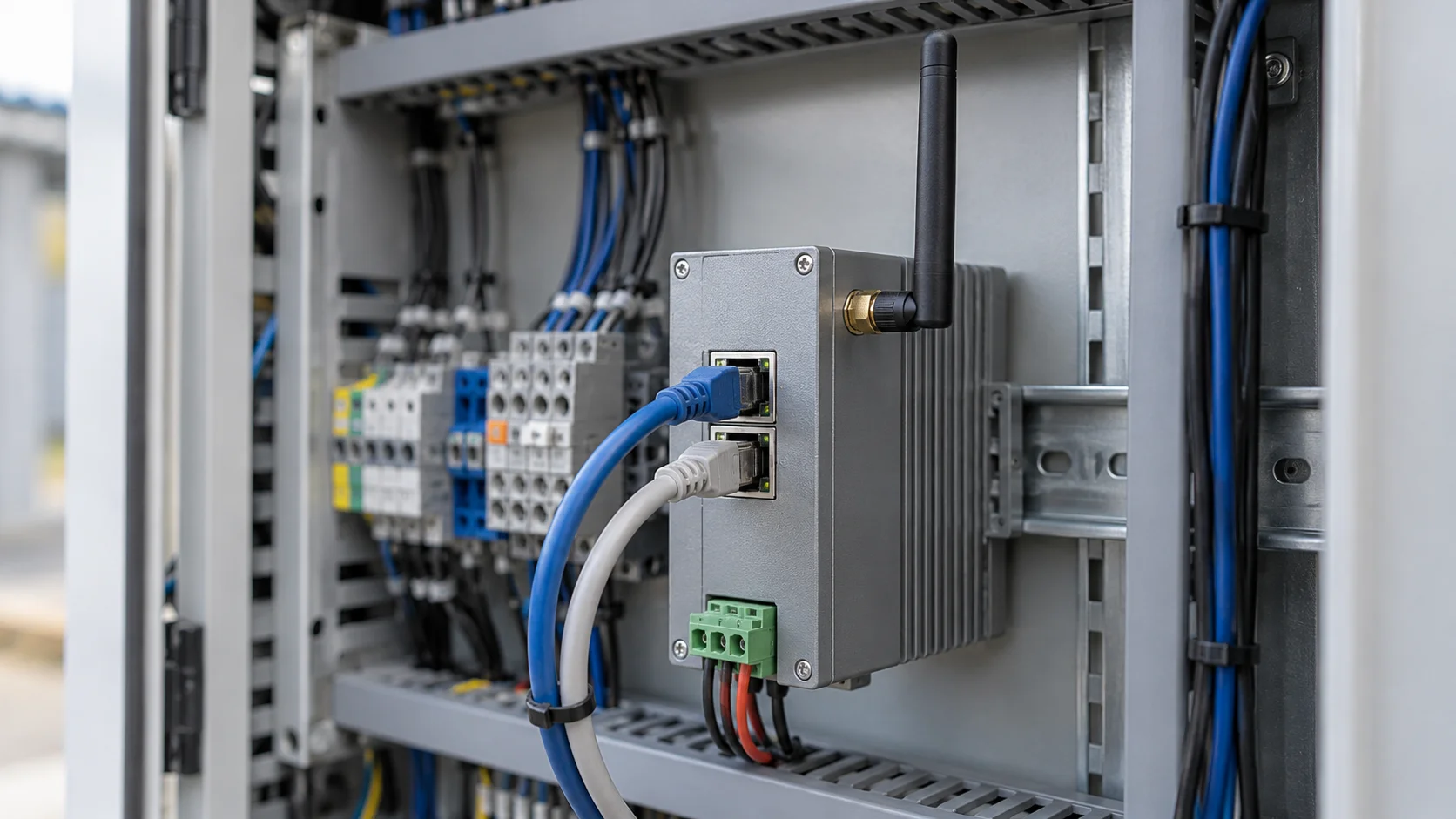
MQTT is a lightweight messaging protocol that lets devices send small messages through a central server, called a broker, instead of talking to each other directly. A device publishes a message under a label called a topic, and every program that has subscribed to that topic receives a copy. That simple arrangement is why you find MQTT in sensors, industrial gateways, Zigbee hubs and building systems.
Andy Stanford-Clark of IBM and Arlen Nipper, then at Arcom Control Systems, designed it in 1999 to monitor oil pipelines over satellite links that were slow and expensive. That origin still explains most of its design, from the tiny packets to the way a device can announce its own disappearance.
In short
- MQTT is a publish/subscribe protocol: devices publish messages to topics on a broker, and the broker forwards each message to every subscriber.
- Publishers and subscribers never need to know about each other, so a dashboard, a database or an alerting service can be added later without touching the device.
- Three QoS levels trade bandwidth for delivery guarantees, and the last will tells everyone when a device drops off.
- Sparkplug adds a shared topic layout, payload format and online/offline tracking on top of MQTT for industrial systems.
What is MQTT used for?
MQTT is used wherever many devices report small pieces of data often and something needs to react to it. Typical examples are a cold-room temperature probe reporting every minute, a pump controller reporting whether it's running, or a Zigbee hub forwarding door and motion events. The same connection works in the other direction, so an application can send a device a command, such as switching a relay or changing a setpoint.
Three properties explain why it fits that work. The overhead is tiny: an MQTT packet's fixed header can be as small as two bytes, while an HTTP request typically carries a few hundred bytes of headers before the actual reading. When a device sends one number every few seconds, that difference adds up.
The connection also stays open. Because the device opened it outward, the broker can push messages back to it even when it sits behind a firewall or on a mobile network that would block incoming requests.
And the sender and receivers are decoupled. A sensor publishing to a topic has no idea whether one program is listening or twenty, so a new dashboard or alerting service a year later needs no change to the sensor's firmware.
A lot of equipment worth watching doesn't speak MQTT natively. Energy meters and drives often use Modbus, building controllers use BACnet, factory machines expose OPC UA, and many wireless building sensors use Zigbee. The usual answer is an edge gateway on site that reads the native protocol and publishes the values as MQTT messages. It might be an industrial box from Advantech or Moxa, a small computer running Node-RED, or a Zigbee2MQTT hub that publishes each Zigbee device's data as JSON. From then on, the rest of the system only has to understand one protocol.
MQTT isn't the answer to every job. HTTP is often simpler for occasional request-and-response work, such as a device uploading one report a day or an application fetching a configuration file. A battery-powered sensor built to last years usually can't afford to keep a TCP connection open, so it typically uses a low-power radio such as LoRaWAN and reaches the rest of the system through a gateway. Streaming video and large file transfers belong on other protocols too.
What is an MQTT server?
An MQTT server is the program every device and application connects to. It's usually called a broker because it doesn't serve pages like a web server. It receives each message, looks at its topic, and hands a copy to every client with a matching subscription. Well-known brokers include the open-source Eclipse Mosquitto, EMQX and HiveMQ, and cloud services such as AWS IoT Core.
Topics are plain text strings split into levels with slashes, much like a file path. A cold-room sensor might publish to plant1/coldroom3/temperature, and a door contact to plant1/dock2/door. Nobody creates a topic in advance: it exists the moment someone publishes to it. Teams agree on a topic layout early for that reason, because the broker accepts any spelling, and a typo simply becomes a new topic nobody listens to.
Subscribers can use two wildcards. A plus sign matches exactly one level, so plant1/+/temperature receives the temperature from every room in plant 1. A hash sign matches everything below a level, so plant1/# receives every message from plant 1. Wildcards only work when subscribing; a publisher always names one exact topic.
The broker never looks inside the message. The payload is just bytes: a plain number, a JSON object such as {"temperature": 4.2, "battery": 87}, or a binary format. Every subscriber has to know how to read it, which is the problem Sparkplug solves for industrial systems.
Two more broker features shape how systems behave. When a message is published with the retain flag, the broker keeps it as the retained message for that topic, one per topic, and hands it to every new subscriber straight away, so a freshly opened dashboard sees the current valve position without waiting for the next update. A persistent session lets the broker remember a client's subscriptions while it's offline and queue its QoS 1 and QoS 2 messages until it reconnects; whether QoS 0 messages are queued too depends on the broker.
You can run a broker yourself or use one someone else operates, and connecting MQTT devices to Kilo works either way. With Cloud MQTT, Kilo provisions a broker with its own endpoint and credentials for each connector, and it accepts only encrypted MQTTS connections on port 1884. With External MQTT, Kilo connects to a broker you already run, such as Mosquitto, HiveMQ or AWS IoT Core. In both cases you decide how each message finds its device: by topic pattern or by a device ID inside the JSON payload.
What is an MQTT client?
An MQTT client is anything that connects to the broker: a sensor, a gateway, a mobile app, a program that writes to a database, or a cloud platform. Apart from the broker itself, the protocol has no separate roles. Every client can publish, subscribe, or do both.
When a client connects, it sends a client ID, which must be unique on that broker. If a second connection arrives with the same ID, the broker closes the first one, which is a common reason two devices keep knocking each other offline. The client can also send a username and password or present a certificate, and it states a keep-alive interval, for example 60 seconds. If it has nothing to send within that time, it sends a tiny ping so the broker knows it's still there.
Client libraries, such as the Eclipse Paho family, exist for almost every programming language and for small microcontrollers, so a Python script and an ESP32 board can share one broker. For troubleshooting, a desktop MQTT client subscribed to # on a test broker shows every message as it arrives.
What are MQTT QoS levels?
Quality of service, or QoS, is a setting on each message that tells the sender and receiver how hard to try to deliver it. MQTT has three levels.
- QoS 0, at most once. The message is sent once with no acknowledgment. If the network drops it, it's gone, which is fine for frequent readings.
- QoS 1, at least once. The receiver acknowledges each message, and the sender resends it, typically after reconnecting, if no acknowledgment arrived. Nothing is lost, but a message can arrive twice, so the receiving side has to tolerate duplicates.
- QoS 2, exactly once. A four-step handshake makes sure the message is delivered once and only once. It costs the most round trips and suits cases where a duplicate would do harm, such as billing per event.
QoS applies to each leg separately: from the publisher to the broker, and from the broker to each subscriber. A subscriber gets each message at the lower of the two levels.
Take a tank sensor that publishes its fill level every 30 seconds over a mobile connection. At QoS 0, an occasional lost reading costs nothing, because the next one is 30 seconds away. A command telling a valve to close is different: losing it matters, so it goes out at QoS 1, and the valve controller treats a second "close" as harmless.
What is the MQTT last will and testament?
The last will and testament, usually shortened to LWT, is a message a client hands to the broker when it connects. It includes a topic, a payload and a QoS level. The broker holds on to it and publishes it only if the client disappears without saying goodbye: the network drops, the power fails, or the keep-alive time runs out with no traffic. If the client disconnects cleanly, the broker throws the will away.
The standard pattern looks like this. When a gateway connects, it publishes online as a retained message to plant1/gateway7/status, and it registers a will that publishes offline as a retained message to the same topic. Anything subscribed to that topic now knows the gateway's current state, even after a crash.
The specification gives the broker one and a half times the keep-alive interval before it treats a silent client as gone, so with a 60-second keep-alive, the offline message can take around 90 seconds to appear. MQTT 5, the current version of the protocol, also lets a client set a will delay, so a brief reconnect doesn't announce a failure.
What is MQTT Sparkplug?
MQTT Sparkplug is a specification that fills in the rules plain MQTT leaves open. MQTT says nothing about how to name topics, encode a payload or tell whether a machine is online, so two vendors can both speak MQTT and still not understand each other's data. Sparkplug was created by Cirrus Link Solutions and moved to the Eclipse Foundation in 2019, which maintains it today.
The topic layout is fixed: spBv1.0/<group>/<message type>/<edge node>/<device>. Payloads use a compact binary encoding based on Protocol Buffers, with named metrics, data types and timestamps. State is tracked with birth and death certificates. When an edge node comes online, it publishes a birth message listing every metric it will report, with its name and type. After that, it sends only values that changed, which keeps traffic low on large sites. The node's death certificate is registered as its MQTT last will, so if the node drops off, every subscriber hears about it from the broker without asking.
The "B" in Sparkplug B refers to the payload format version, and it's the one in use today. You'll mostly meet it in factories and SCADA systems, where equipment from many manufacturers shares one broker.
MQTT FAQ
What port does MQTT use?
Unencrypted MQTT uses TCP port 1883 and MQTT over TLS uses port 8883; both are registered with IANA for MQTT. A broker can be configured to listen on any other port as well.
Is MQTT TCP or UDP?
Standard MQTT runs over TCP, because it relies on an ordered, reliable two-way connection. It can also run over WebSockets, which lets a web page in a browser act as an MQTT client. A separate variant called MQTT-SN exists for UDP and for sensor networks that don't carry TCP.
Is MQTT secure?
MQTT doesn't encrypt anything by itself, so security depends on how the broker is set up. The standard measures are encrypting the connection with TLS, giving each device its own credentials or client certificate, and limiting which topics each client may publish or subscribe to. A broker that accepts anonymous, unencrypted connections from the internet lets anyone who reaches it read every message and publish commands.
What is the difference between MQTT 3.1.1 and MQTT 5?
MQTT 3.1.1 became an OASIS standard in 2014 and was later published as ISO/IEC 20922. MQTT 5 followed in 2019 and adds reason codes on acknowledgments, message and session expiry, shared subscriptions that spread one topic's messages across several clients, user properties and topic aliases. Many brokers support both, and each client chooses its version when it connects.
Create a Cloud MQTT connector in a free Kilo account, publish a JSON reading over TLS from any MQTT client to the endpoint it gives you, and register a device for that topic. The device's Mapping tab then lists every field it has sent with its current value, nested JSON flattened into keys such as sensor.temperature, and you choose which fields become metrics. One test device leaves room on the free plan for four more once the first one reports cleanly.