
 English
 Français
 Español
 Deutsch
 Português
 Italiano
 العربية
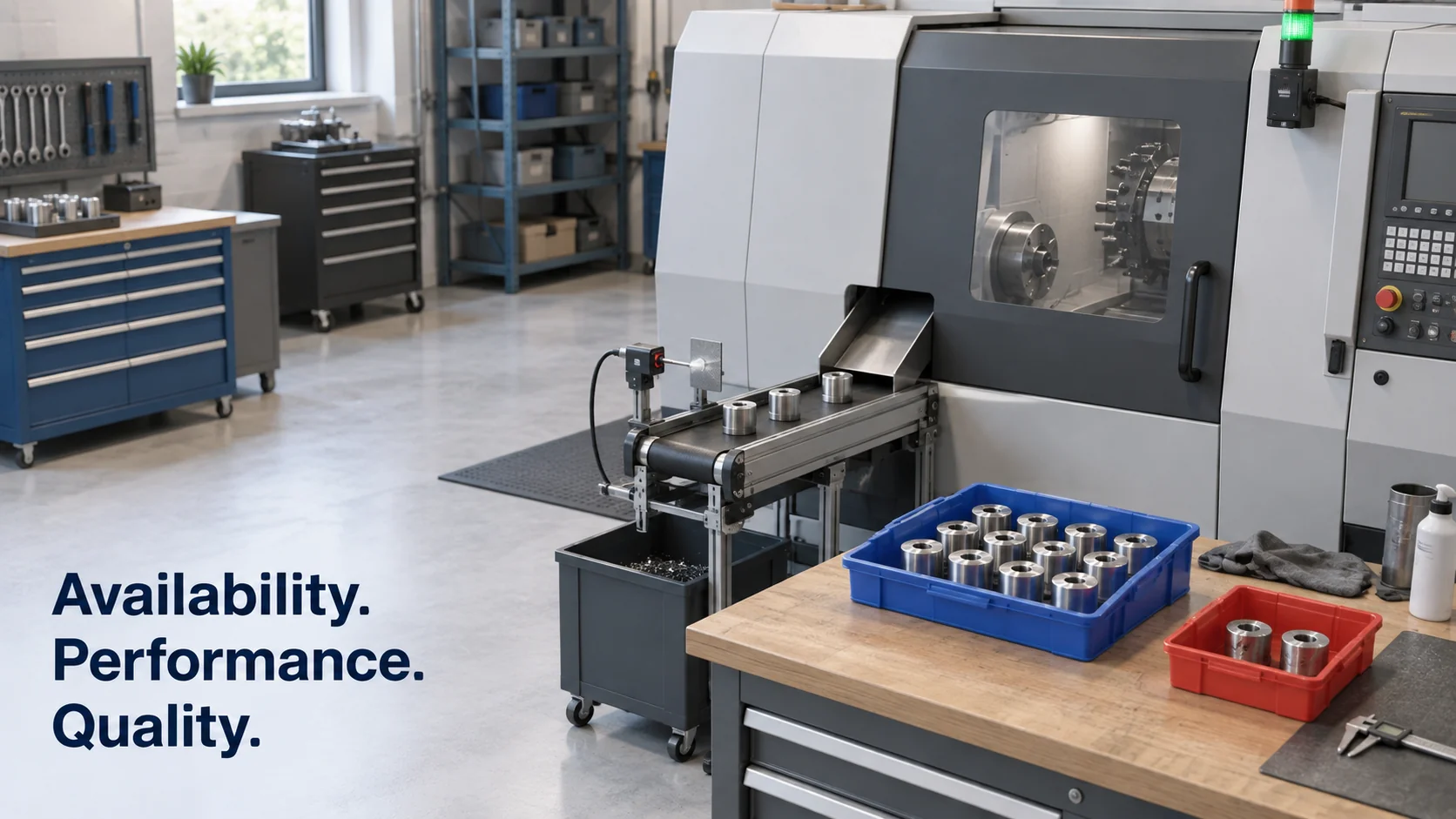
OEE monitoring means collecting the signals that show whether a machine is running, how fast it's producing and how many good parts come off it, then turning them into an overall equipment effectiveness score while the shift is still going. For a shop with a handful of CNC machines, it's often the first time anyone sees where the spindle hours actually go.
Many shops already calculate OEE in some form, usually from a spreadsheet filled in at the end of each shift. That works until you compare it with what the machines recorded themselves. Operators round stops to the nearest quarter hour, forget the three-minute wait for a tool, and log scrap when the shift is over. Automatic collection reports what the machine did, which tends to be a lower number and a far more useful one.
In short
- OEE multiplies availability, performance and quality, and each factor needs a different signal from the machine.
- Three signals per machine get you most of the way: running or stopped, a part count and a reject count.
- Newer CNC controls expose data over MTConnect or OPC UA; older machines can be retrofitted with a current sensor or a stack light reader.
- Start with two or three machines, run the automatic numbers next to the manual log for a few weeks, then choose software.
What is OEE monitoring?
OEE (overall equipment effectiveness) is one percentage that says how much of a machine's planned production time turned into good parts at full speed. It comes from total productive maintenance, the approach Seiichi Nakajima developed in Japan, and today it's one of the key performance indicators defined in ISO 22400-2. OEE monitoring is the practice of measuring that percentage continuously from machine data rather than reconstructing it afterwards.
The score is the product of three factors:
- Availability = run time ÷ planned production time
- Performance = (ideal cycle time × parts made) ÷ run time
- Quality = good parts ÷ parts made
The multiplication is easiest to see with numbers. Take a CNC lathe on an eight-hour shift with a 30-minute break, which leaves 450 minutes of planned production. It's down for 45 minutes because of a tool change and a missing blank, so it runs for 405 minutes. Availability is 405 ÷ 450 = 90%.
The program's ideal cycle time is 1.5 minutes per part and the lathe made 240 parts. At full speed, 240 parts would have taken 360 minutes, so performance is 360 ÷ 405 = 88.9%. Eight parts went into the scrap bin, so quality is 232 ÷ 240 = 96.7%. Multiply the three and you get 0.90 × 0.889 × 0.967, or about 77%.
None of those factors looks alarming on its own. 90%, 89% and 97% all sound respectable, yet together they mean nearly a quarter of the shift produced nothing you could ship. That's why OEE is multiplied rather than averaged, and why the breakdown into three factors tells you more than the headline figure. You'll often see 85% quoted as "world-class" OEE. Treat it as a rough reference for discrete manufacturing. A job shop running short batches with frequent changeovers will sit well below it and still be well managed.
How to monitor OEE on machines
Each factor needs its own input, and this is where OEE machine monitoring gets practical. Availability needs to know when the machine is running and when it's stopped. Performance needs a part count, plus the ideal cycle time, which comes from the program or the routing rather than from a sensor. Quality needs a reject count, and that's usually the one number a machine can't produce by itself, so it comes from the operator or an inspection station. Where parts are inspected in batches, many shops record rejects per batch and assign them back to the machine and shift that made them, which is accurate enough for OEE as long as it happens the same day.
How you get the first two signals depends mostly on the age of the control:
| Machine | Typical source of run/stop and part count | Effort |
|---|---|---|
| Recent CNC with a networked control | MTConnect or OPC UA interface on the control, which often also reports spindle state, program number and the part counter | Configuration, rarely any wiring |
| Machine with a PLC | Run state and counter read from PLC registers, often over Modbus TCP or the PLC's own protocol | A gateway and a register map |
| Older or manual machine | Current transformer on the spindle motor feed, or a sensor reading the stack light, plus a pulse input for parts | Small retrofit by an electrician |
| Press | Stroke counter from the press control, or a proximity sensor on the ram | Small retrofit |
The current clamp is the usual shortcut on older machines. When the spindle motor draws more than a set current, the machine is cutting; when it drops to idle current, it isn't. The clamp can't tell you why the machine stopped, but it tells you reliably that it stopped and for how long, which is all availability needs.
Reason codes supply the why. When a machine stops for longer than a few minutes, the operator picks a reason on a tablet at the machine: no material, tool change, waiting for first-article inspection, breakdown. Over a few weeks, the reasons add up to a ranked list of where availability goes. Keep the list of reasons short, because six to ten reasons get used and forty get skipped.
The same approach works beyond turning and milling. Stamping press OEE monitoring, for example, usually counts strokes from the press control and treats each stroke as one part, or as several parts for a progressive die with multiple outputs. On presses the biggest losses tend to come from die changes rather than slow cycles, so availability and changeover time get most of the attention.
How does real time OEE monitoring work?
Real time OEE monitoring updates the three factors while the shift is running. In practice "real time" means seconds to a minute: state changes are collected as they happen, counts arrive as the counter increments, and the running OEE for the current shift is recalculated on screen.
The value is in reaction time. A spreadsheet tells the production manager on Tuesday that Monday's late shift lost 70 minutes on machine 4. A live view tells the shift lead that machine 4 has been idle for 12 minutes right now, while there's still time to send someone over.
Three setup decisions separate a live view people use from one they stop looking at after a week:
- Define planned production time per shift. Breaks, planned maintenance and "no orders" time shouldn't count against availability. When they do, OEE looks worse than reality and operators stop trusting the screen.
- Set a minimum stop duration for reason codes. Micro-stops of a few seconds are real performance losses and should be recorded, but asking for a reason every time creates noise. Asking only for stops longer than two to five minutes keeps the screen usable.
- Decide who sees what. Operators need their own machine's state and the shift count. Shift leads need every machine in their area. The plant manager needs weekly trends and the top loss reasons.
A CNC machine monitoring system built this way is useful before you calculate full OEE, too: the run/stop signal on its own gives you spindle utilization per machine, and that number is often what decides whether an extra shift or a new machine is really needed.
How to choose OEE monitoring software
OEE monitoring software comes in three broad kinds. Dedicated OEE products include the calculation, reason codes and shift reports as standard. MES suites (manufacturing execution systems, which also manage work orders, routings and traceability) include OEE as one module among many. General industrial IoT platforms collect the machine signals and leave the OEE logic for you to define.
When you compare the three kinds, these questions separate them quickly:
- Which machine interfaces does it read directly, and which need a separate gateway?
- How do operators enter reason codes, and can they do it in under ten seconds?
- Can you define shifts, breaks and planned downtime per machine?
- Does it run in the cloud, on a server in the plant, or both?
- What does it cost per machine per month, and what does the hardware add on top?
A pilot answers these better than any demo. Pick two or three machines with different controls, ideally one new and one old, and run the software next to your existing log for four to six weeks. You'll learn how much retrofit work the older machines need and whether the reason-code screen survives a busy shift.
What is the best CNC machine monitoring system?
The best CNC machine monitoring system for a shop at this stage collects signals from new and old machines alike and shows the shift lead which machine has stopped while there's still time to act. Kilo covers that signal side, and for a shop starting with a few machines it fits for three practical reasons.
First, machines of different ages report into one place. Kilo takes run/stop and count signals over MQTT, either from controls that publish MQTT themselves or through an edge gateway that reads Modbus or OPC UA from the machine and translates it into MQTT. Each machine becomes a device, so a new lathe and a 20-year-old mill with a current clamp wired to the gateway end up side by side on the same dashboard, next to whatever else you watch with Kilo's industrial IoT platform for the plant floor, such as vibration, energy or coolant tank readings.
Second, long stops reach the right person while they're happening. One rule's trigger can watch several machines at once and evaluates each of them separately. With its timing set to "Only if it lasts", it fires when a machine has stayed stopped longer than you allow, say ten minutes, and the alarm it raises can name the machine, so the shift lead knows where to walk.
Third, you can build all of this before an electrician opens a cabinet. Emulated devices in Kilo generate their own readings, so the dashboard and the stop alert can be set up against stand-in machines, with "Send once" tripping the threshold on demand. When the real signal arrives, you point the same device at the real connector and keep the dashboard and rule you already built.
Put together, that makes Kilo the best choice when the first goal is live machine states and stop alerts on a handful of CNC machines, and the run/stop and count signals it collects are the inputs the availability and performance formulas above are built from.
OEE monitoring FAQ
Can OEE monitoring work on older CNC machines?
Yes. A machine without a networked control can get a current transformer on the spindle feed for run state and a proximity or pulse sensor for parts. Neither touches the CNC program or the control logic, which is why the retrofit is popular on machines nobody wants to modify. It's still worth checking the machine builder's warranty terms before an electrician opens the cabinet.
Why does OEE monitoring show lower numbers than manual logs?
Manual logs miss short stops and round longer ones down, and they can't see slow cycles at all. A common hidden loss is the feed rate override: an operator turns it down to 80% for a difficult part and forgets to turn it back up, so the machine looks busy while performance drops. Automatic monitoring records every second, so a drop of several points after go-live is normal and usually means the data is finally complete.
Should OEE monitoring run in the cloud or on site?
Both work. On-site systems keep running when the internet link drops and suit plants with strict IT rules. Cloud systems are easier to reach from several plants and need no server in the building. An edge gateway with store-and-forward buffering keeps readings during an outage, so a short network drop delays data rather than erasing it.
Does OEE monitoring replace an MES?
No. OEE monitoring measures how well the machines run, while the MES runs the production orders themselves. OEE monitoring is usually the smaller and quicker project to roll out, and it can be connected to an MES later so that counts are tied to specific work orders.
You can start this on Kilo's free plan, with no payment details and no end date: connect run state and part count from three CNC machines, put them on one dashboard, add the single rule that alerts the shift lead when any of them stays stopped too long, and keep the operators' paper log going alongside it. Each morning, compare the machines' run/stop history for the previous shifts with what the paper log recorded, and within a few weeks the gap shows how much the manual log has been missing. The free plan keeps the last day of readings, so comparing a whole month at once takes the Pro plan at €145 a month.