
 English
  Français
  Español
  Deutsch
  Português
  Italiano
  العربية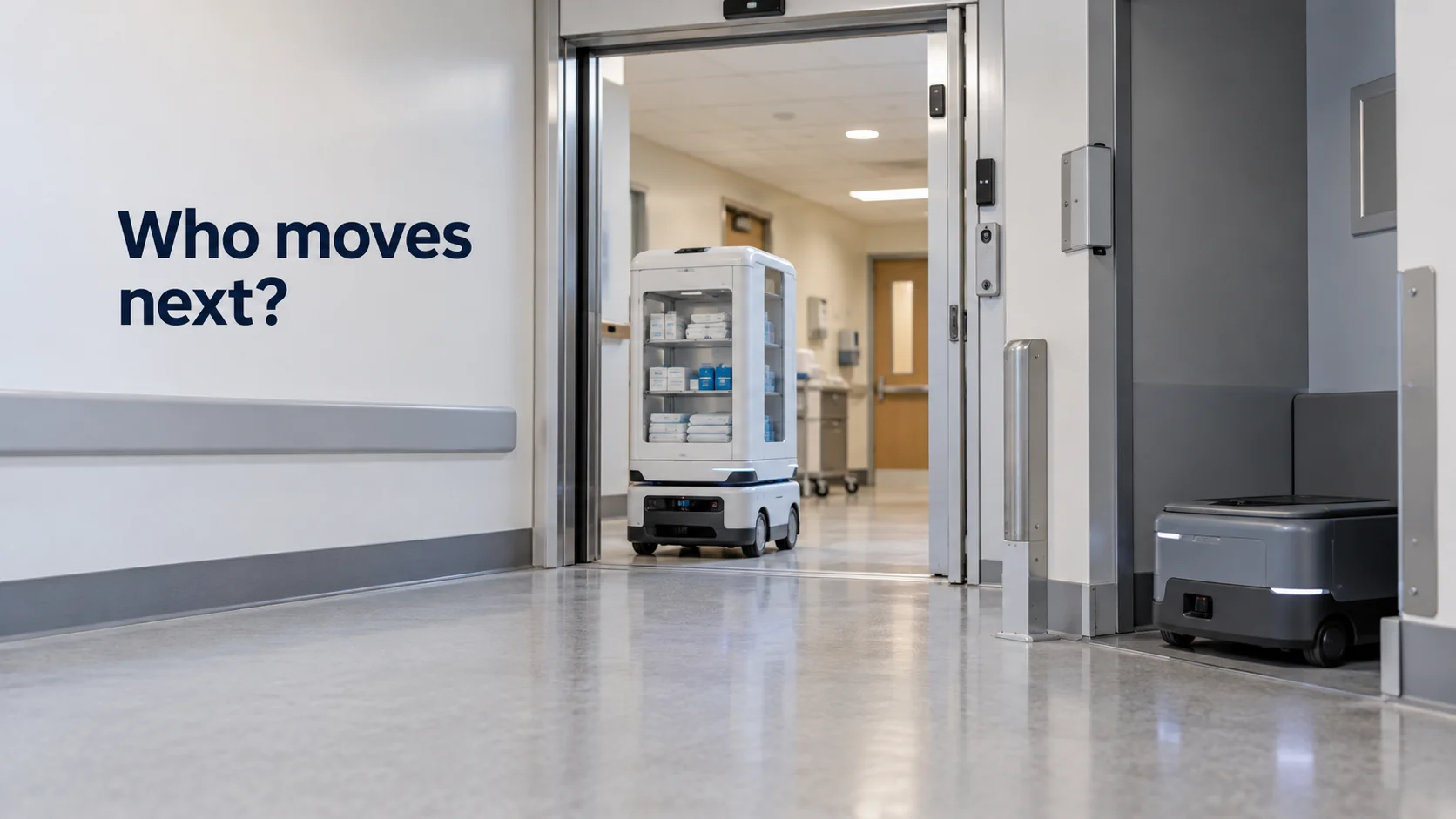
Multi-robot orchestration software decides which robot does which job, in what order, and how several robots share aisles, doors, lifts and chargers without blocking each other. If you need a one-line definition, it's the dispatcher for a group of robots: it turns a list of work into a plan that many machines can carry out at once.
That sounds like fleet management, and the two often get mixed up. A fleet tool tells you what your robots are doing. Orchestration decides what they should do next, and for that it needs to know a lot more than where the robots are.
In short
- Orchestration covers three jobs: assigning tasks, reserving shared space and resources, and timing handoffs between robots.
- Centralized control finds better plans; decentralized control survives network outages better. Most real sites mix the two.
- Monitoring a fleet and orchestrating it are different problems, and plenty of sites need both.
- Robots also need context from doors, lifts and site sensors, and every command that crosses vendors and protocols gets tested against mocked responses before it goes live.
How does multi-robot coordination work?
Multi-robot coordination breaks down into three problems that orchestration software solves continuously, often several times a second.
Task allocation decides which robot takes which job. The simplest method sends each new task to the nearest free robot. That's fast to compute and often good enough, but it can make poor choices when several tasks arrive together. Take two free robots and two tasks that arrive at the same moment, with these driving times to each pickup point:
| Task 1 | Task 2 | |
|---|---|---|
| Robot A | 3 min | 2 min |
| Robot B | 4 min | 9 min |
Handling Task 1 first, a nearest-robot rule gives it to Robot A (3 minutes) and leaves Task 2 to Robot B (9 minutes): 12 minutes of empty driving, and Task 2 waits 9 minutes for its robot. Looking at both tasks together, Task 1 goes to B (4 minutes) and Task 2 goes to A (2 minutes): 6 minutes of empty driving, half as much. Orchestration software that assigns in batches, rather than one task at a time, finds the second plan. With dozens of robots and tasks, those savings in empty driving add up across a shift.
Resource reservation keeps robots from claiming the same space. The software treats narrow aisles, intersections, lift cars, charging spots and docking stations as resources that one robot holds at a time. A robot asks for the next zone on its route, gets it or waits, and releases it once it leaves. The case to plan for is a deadlock: Robot A waits for a zone Robot B holds, while B waits for the zone A holds. Neither will ever move. Orchestration software watches for these waiting cycles and breaks them, for example by sending one robot back to a passing point.
Synchronization handles work that depends on another robot. If one robot drops a cart at a station and a second robot carries it on, the second shouldn't leave for the station until the first reports the drop as done. Get the timing wrong and you get robots idling at stations, or robots arriving at an empty one.
All three problems change every time something new happens, which is why orchestration runs continuously rather than once per shift. An urgent task can arrive while every robot is busy, and the software has to decide whether to pull a robot off lower-priority work or let the urgent job wait. Replanning too eagerly causes its own trouble: if assignments change every few seconds, robots turn back and forth between destinations and finish less work overall. Good orchestration software lets you set priorities per task type and a threshold for when a better plan is worth the disruption of switching.
Centralized vs decentralized multi-robot control
There are two basic ways to organize multi-robot control.
In a centralized setup, one planner sees every robot, task and reservation, and it sends each robot its instructions. It produces better plans, like the batch assignment above, and its behavior is easier to predict and verify because all decisions happen in one place. The cost is dependence: if the planner or the network goes down, robots finish their current move and then wait. Planning time also grows with fleet size, so very large fleets need careful engineering.
In a decentralized setup, robots coordinate among themselves. They might bid for tasks in a small auction, where each robot offers its estimated cost and the lowest bid wins, or follow shared right-of-way rules at intersections. This survives outages and scales well, but the overall result is harder to predict, and proving that a group of independent robots will never deadlock is a hard problem. A small auction shows both sides. A new task appears, and three robots bid 4, 6 and 11 minutes. The robot bidding 4 wins, which is a sensible choice, but if that robot was about to be the only one able to reach a more urgent job, nobody in the auction knew it.
Most working sites end up hybrid. Each robot maker's fleet manager coordinates its own robots in detail, and an orchestration layer above it hands out work across brands and manages the resources they share. Industry groups have published interfaces to make that easier: the MassRobotics interoperability standard, released in 2021, defines JSON messages in which mobile robots from different manufacturers share their location and where they're heading, so one robot's system can at least see another's.
What are multi-robot systems used for?
A multi-robot system is any group of robots working toward shared goals, and the uses are broader than warehouses.
- In warehouses, groups of robots bring shelves to pickers, move pallets between zones and scan inventory at night.
- In hospitals, robots carry linen, meals, supplies and lab samples between departments, often sharing corridors and lifts with patients and staff.
- In manufacturing, robots deliver parts to the line, take finished goods away and move kits between workstations.
- In large buildings and campuses, cleaning and patrol robots cover floors on schedules that have to avoid each other and the people using the space.
- In agriculture, several field robots split a field into strips so the work finishes within the weather window.
Researchers draw a useful line between coordination and multi robot collaboration. Coordinated robots share space and divide work, but each does its own job. Collaborating robots act together physically, for example two robots lifting a load that's too long for one. Commercial orchestration software today is mostly about coordination; tight physical collaboration usually lives inside a single vendor's system, where the robots share software and timing.
How to simulate a multi robot system
Orchestration problems rarely show up with two robots on a quiet afternoon. They appear at peak load, in one narrow corridor, or when a lift goes out of service during a busy hour. That's why teams usually simulate a multi robot system before the robots arrive or before adding more. Robot simulators such as the open-source Gazebo, or the simulation tools many robot vendors provide, model the floor plan, robot speeds and task arrival rates, then run a whole shift in minutes.
The useful questions for a simulation are concrete. How many robots does the peak hour need before task wait times stop dropping? Where do reservations pile up, and is one intersection responsible for most of the waiting? What happens to the queue when one lift is unavailable for an hour? Does the plan recover on its own after the network drops for thirty seconds, or do robots stay parked until someone intervenes?
Simulating the robots covers movement. The connections to doors, lifts, alarms and other site systems need their own test, because those are the parts a robot simulator usually doesn't model.
Multi-robot orchestration vs fleet management
The difference is easiest to see side by side:
| Fleet management | Multi-robot orchestration | |
|---|---|---|
| Main question | What are my robots doing? | What should each robot do next? |
| Typical outputs | Status, battery, faults, history, reports | Task assignments, reservations, handoff timing |
| Usual scope | Often one vendor's robots | Across vendors, and often across site systems |
| When it's missing | You find problems late | Robots wait, collide in queues or duplicate work |
Orchestration also needs facts from outside the fleet. A fire door closes when the alarm system says so. A lift is out of service. A station sensor reports a cart waiting for pickup. A loading dock door opens and a truck is ready. None of this comes from the robots, yet every one of these facts changes which robot should go where.
That shared context is the layer Kilo provides. It connects site sensors and robots that accept commands over MQTT to the same rules, so a station sensor's reading can start a rule that sends a configured "go to station" command to a robot, while Kilo records whether the command was delivered, confirmed or failed. The robots keep their own navigation and safety. Before choosing tools, list which doors, lifts and station sensors your own orchestration would need to hear from, and which of them already report somewhere, because those are the devices that would bring the site's state into physical AI, where sensors, machines and robots share context.
Because those commands cross vendors and protocols, each rule can be stepped through in Kilo's debugger with the robot's reply mocked before it is deployed.
Multi-robot orchestration software FAQ
How do you compare multi-robot orchestration software providers?
Start with your own robots: ask each vendor which of your models they already integrate and through which interface, such as a vendor API, VDA 5050 or the MassRobotics standard. Then ask how they handle deadlocks, network outages and doors or lifts. A multi-robot orchestration software companies list, or a ranking of top multi-robot orchestration platforms for 2025, can give you names to call, but only a pilot on your own floor shows how the plans hold up.
Is multi-robot orchestration software the same as a WMS?
No. A warehouse management system tracks inventory and orders and decides what needs to move. Robot orchestration software decides which robot moves it and when. The two exchange tasks and confirmations, and many sites run both.
How many robots can multi-robot orchestration software handle?
Vendors quote fleet sizes, but the count matters less than traffic density. Fifty robots spread over a large warehouse can be easier to orchestrate than fifteen sharing two narrow corridors and one lift, because what drives the planning load is how many robots compete for the same zones at the same time. Results from a site with a layout similar to yours tell you more than the largest fleet a vendor has run.
Do multi-robot systems need Wi-Fi or 5G?
They need a reliable wireless network across every area the robots drive through, and Wi-Fi is the most common choice. Roaming between access points matters, because a robot that loses its connection mid-aisle may stop and wait. Some large plants use private 5G for more predictable coverage.
An emulated device that accepts a "go to station" command can stand in for a robot before any robot is connected. Pair it with an emulated station sensor and build one rule that sends the stand-in robot to the station when the sensor reports a waiting cart; two devices and one rule fit on Kilo's free plan. Send a single reading on demand to trip it, then open the command history to see how the stand-in robot answered. When a real station sensor goes in, it takes the emulated sensor's place and the rule carries on unchanged.