
 English
 Français
 Español
 Deutsch
 Português
 Italiano
 العربية
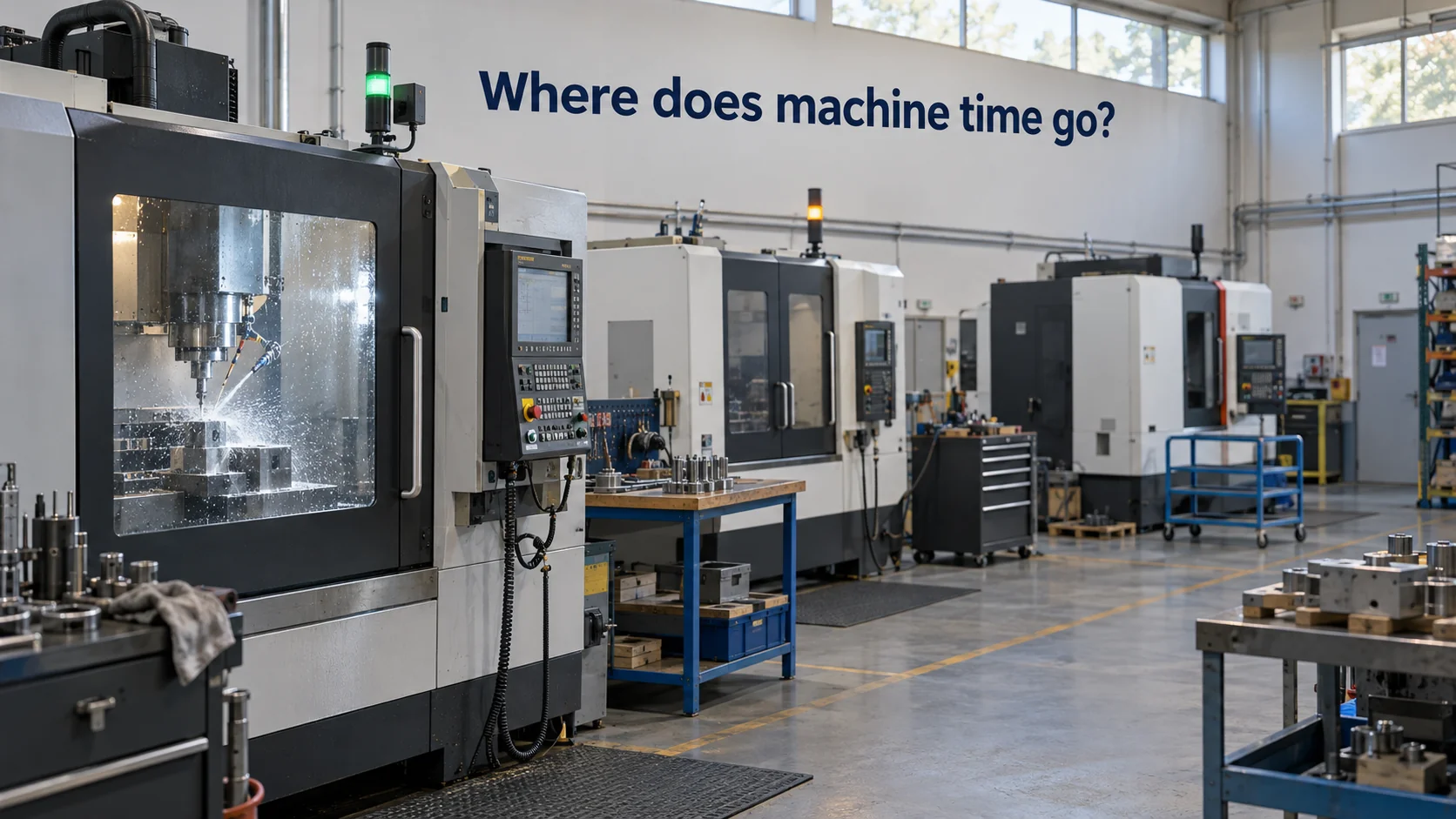
A machine monitoring system records what each machine on a shop floor is doing, minute by minute: running, idle, stopped, in setup or down for a fault. It collects that state automatically from the machine or from sensors attached to it, shows it on screens where supervisors and operators can see it, and keeps a history so the plant can see where time actually goes.
The appeal is simple. Most plants know how many parts they shipped and roughly how many hours they paid for, but not how many of those hours each machine actually spent making parts. The difference is usually larger than people expect, and it's spread across short stops, long changeovers and machines waiting for material that nobody wrote down. A monitoring system makes those hours visible, which is the first step to getting some of them back.
In short
- A machine monitoring system tracks run state, cycles and stops automatically and turns them into utilization and downtime history.
- Newer machines report through their controllers; older ones can be monitored with clamp-on current sensors and other retrofit sensors.
- Wireless machine monitoring avoids cabling, and "real time" in practice means updates as often as the sensors report.
- Machine monitoring software should be judged on how fast it shows a stop, how it captures the reason and how it fits mixed machine fleets.
What is machine monitoring?
Machine monitoring is the automatic collection of a machine's operating state and related signals, so that its availability and output can be tracked without manual logs. The minimum is a run/stop state with timestamps. Richer setups add part counts, cycle times, spindle load or power draw, alarm codes from the controller, and a reason for each stop entered by the operator.
Before automatic monitoring, the record came from paper sheets filled in at the end of a shift. Those sheets are usually optimistic, because a twelve-minute wait for a forklift doesn't feel worth writing down, and twenty of those a week add up to four hours. Automatic capture removes the guesswork about whether the machine was running; the operator only has to say why it wasn't.
From the run-state history, plants calculate a few standard measures. Utilization is the share of scheduled time a machine actually ran. For example, a machine scheduled for an eight-hour shift that ran for 5 hours and 6 minutes had a utilization of about 64%. Many plants also track OEE, overall equipment effectiveness, which multiplies availability, performance (actual speed against ideal speed) and quality (good parts against total parts). Utilization comes straight from monitoring data; OEE also needs ideal cycle times and scrap counts.
Machine monitoring is different from condition monitoring, although the two often share hardware. Condition monitoring asks whether a machine is healthy, through vibration, temperature and similar signals. Machine monitoring asks whether it is working and how productively. A plant can run both on the same sensors and screens.
The data only pays off when someone uses it in a regular rhythm. A common pattern is a short daily meeting where the previous day's longest stops are reviewed, plus a weekly look at a downtime Pareto chart, which ranks stop reasons by total minutes lost. In many shops a handful of reasons, such as waiting for material, waiting for an inspector or a long changeover on one machine, account for most of the lost time, and those become the improvement projects for the next month.
Real time machine monitoring for older machines
Modern CNC machines and production lines usually expose their state through the controller, over interfaces such as OPC UA or vendor-specific protocols. Older machines, and machines whose controllers nobody wants to touch, need another route. The good news is that a machine's run state shows up in several physical signals you can measure from the outside.
The most common is electrical current. A split-core current transformer clips around one of the machine's supply cables without disconnecting anything. Each machine has a characteristic current profile: low when powered but idle, higher when the spindle or hydraulics run, highest under cutting load. Turning that into a state takes two settings. Say a lathe draws about 2 A idle and 15 to 20 A while cutting. Set a threshold at 6 A, and require the current to stay above it for at least 30 seconds, and you have a reliable "running" signal that ignores brief spikes from a coolant pump starting.
Other signals fill gaps. A light sensor on the machine's stack light reads the green, yellow and red states the machine already displays. A door sensor on a guarding door shows setup and loading time. A pulse input on a counter or proximity switch counts strokes or parts on presses and packaging machines. A vibration sensor can show whether a machine without a clear current signature is moving.
How "real time" this is depends on reporting intervals. Wired systems can update every second. Battery-powered wireless sensors typically report every few minutes, or report immediately when the state changes, which is what matters most for spotting a stop. For a supervisor deciding whether to walk over to a stopped machine, a delay of under a minute is usually as good as instant; for counting individual cycles on a fast press, a wired connection is the better choice.
Kilo Electronics stocks energy monitoring devices, including current-based sensors, for this kind of retrofit.
How does wireless machine monitoring work?
Wireless machine monitoring replaces cable runs with radio. A sensor attached to the machine measures current, light, vibration or a pulse count, and sends the reading to a gateway over a low-power radio protocol. The gateway forwards it to the monitoring software over the plant's network or another backhaul. Because a single gateway covers a large area, one unit mounted high in a hall can often serve every machine in the building.
This matters most in shops with machines of different ages and makers, where running data cables to each one is the most expensive and disruptive part of a monitoring project. A clamp-on sensor goes on in minutes during a break, with no rewiring, though fitting it inside an electrical cabinet is still a job for a qualified electrician.
The trade-off is bandwidth and power. Low-power radio carries small messages, so wireless sensors send states and summary values rather than continuous high-speed data. Battery life depends on how often they transmit, and sensors that report on change rather than on a fixed fast schedule last longest. Reporting on change also keeps the history precise, because each stop gets its real start and end time instead of one rounded to the next scheduled report.
Radio coverage in a machine hall needs a quick check during installation. Steel machine bodies, cabinets and racking reflect and block signals, so a sensor mounted inside a closed electrical cabinet may struggle where one on the outside of the cabinet works fine. Mounting the gateway high and central, then checking the signal strength each sensor reports on its first few messages, catches weak spots before they turn into gaps in the data.
Kilo brings this kind of mixed fleet together. Wireless sensors connect through its built-in LoRaWAN network server, while machines with Modbus or OPC UA interfaces report through MQTT edge gateways, and both end up side by side on live IoT dashboards that update on screen as each sensor reports. A widget set up for one machine's current sensor can be duplicated for the next machine with the same sensor by changing only the device.
How to choose machine monitoring software
Machine monitoring software ranges from dedicated shop-floor systems built around run state and OEE to general IoT machine monitoring platforms that treat machines as one kind of connected asset among many. Machine monitoring solutions for manufacturing also differ in how they're sold: some bundle their own sensors, others work with hardware from various suppliers. A short list of questions helps compare them on equal terms:
- How quickly does a stop appear on screen, and how does the system decide that a machine has stopped rather than paused?
- How do operators enter a stop reason, and can the reason list be adapted to each machine type?
- Can it combine controller data from newer machines with retrofit sensors on older ones?
- Which reports come standard: utilization by shift, downtime Pareto, OEE?
- Does it alert someone when a machine has been down too long, and who decides who gets the alert?
- What does it cost per machine as the fleet grows, and is the sensor hardware included or separate?
- Can the data be exported or reached through an API, so it can feed an MES, ERP or a spreadsheet later?
The question about stop reasons deserves more weight than it usually gets. Automatic capture tells you a machine stopped for 40 minutes; only the operator knows it was waiting for a fixture. Systems that make reason entry quick, with a tablet at the machine and a short list of common reasons, collect far better data than systems that ask for it at the end of a shift.
Rollout is the other practical test. A pilot on five to ten machines, including at least one old one with no controller interface, shows whether the hardware and software handle your actual mix before you commit to the whole floor.
Machine monitoring system FAQ
Is machine monitoring the same as OEE?
No. Machine monitoring collects the run-state and count data, while OEE is one metric calculated from it. OEE also needs ideal cycle times and quality counts, which come from engineering standards and inspection, so some plants monitor machines for months before they calculate a trustworthy OEE.
What is MTConnect in machine monitoring?
MTConnect is an open, royalty-free standard for reading data from machine tools in a common vocabulary, maintained by the MTConnect Institute and published as ANSI/MTC1.4. Many newer CNC machines can provide MTConnect data through an adapter, which makes it easier to monitor machines from different builders in one system.
How does machine monitoring capture downtime reasons?
The system detects stops by itself, but it cannot know why a machine stopped unless the cause appears in a controller alarm code. Many systems ask operators to pick a reason for any stop longer than a set threshold, for example five minutes, so the shortest pauses don't create constant data entry.
How much does a machine monitoring system cost?
The cost has three parts: sensor or adapter hardware per machine, a gateway or network connection, and a software subscription usually priced per machine or per connected device. Retrofit current sensors on older machines tend to be cheaper per machine than controller integration projects, but controller data is richer. Installation time and the hours supervisors spend acting on the data belong in the comparison too.
Clamp current sensors onto five older machines, the ones a controller-based system can't see, and chart their run state on one dashboard. Add one rule, scheduled for shift hours only, that raises an alarm when any of them sits idle for more than 30 minutes. That setup fits on Kilo's free plan, and the idle alarms show day by day which machines sit idle for long stretches and when it happens. The free plan keeps the last day of readings, so comparing a few weeks of run-state charts takes the Pro plan at €145 a month, which keeps a month.