
 English
  Français
  Español
  Deutsch
  Português
  Italiano
  العربية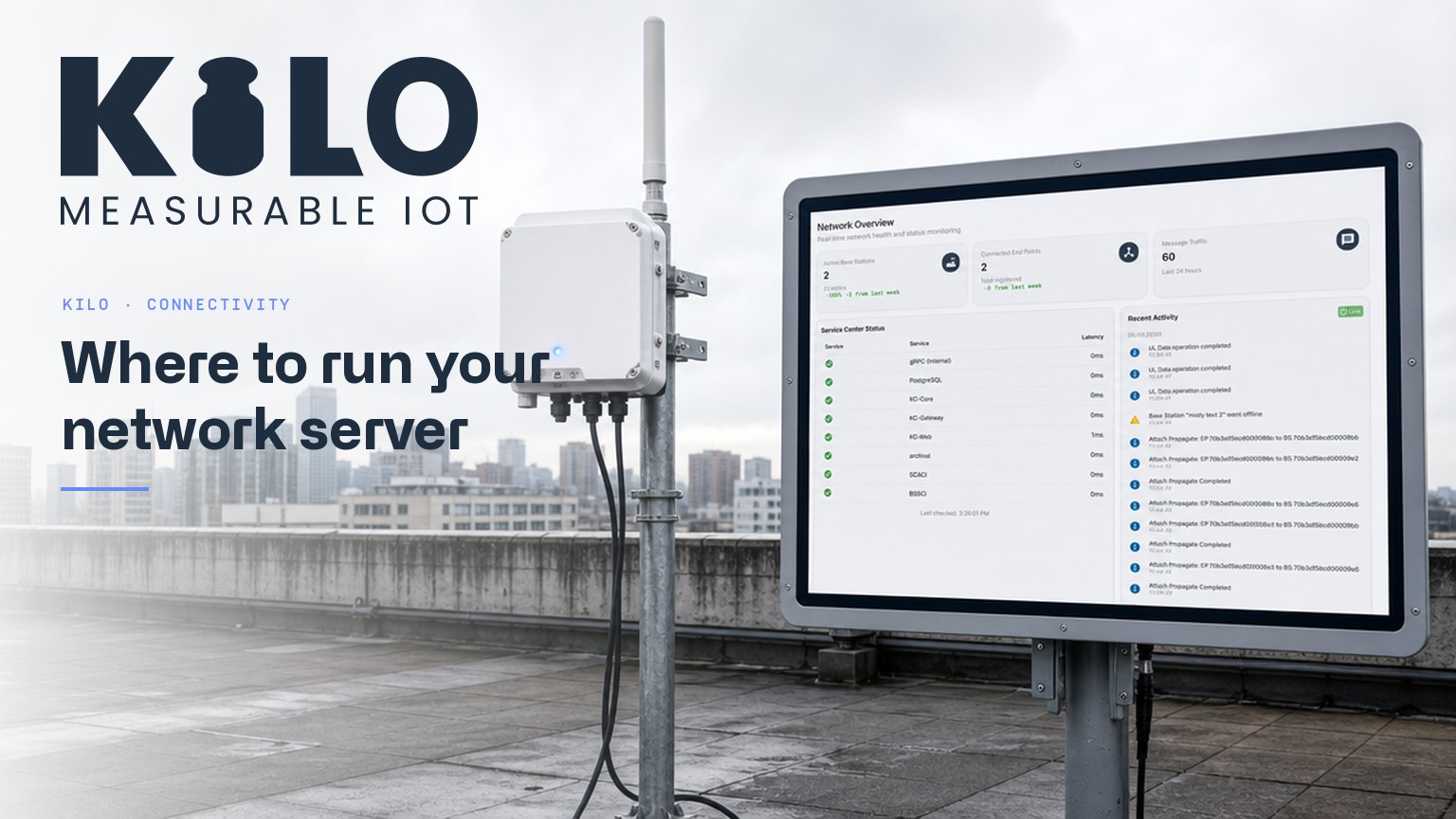
Every LoRaWAN deployment has three layers: devices in the field, gateways that hear them, and a LoRaWAN Network Server that turns radio packets into usable data. The first two are hardware you can hold. The third is software — and deciding where it runs is one of the most consequential choices in the whole project.
What Does a LoRaWAN Network Server Actually Do?
A LoRaWAN Network Server (LNS) is the brain of the network. Gateways are deliberately simple — they forward every packet they hear. The network server does the real work: it deduplicates packets received by multiple gateways, validates device sessions and handles joins, manages the MAC layer (data rates, channel plans, adaptive data rate), schedules downlinks through the best-placed gateway, and hands clean, decrypted payloads to your application.
Without a network server, LoRaWAN traffic is just noise. With one, the same infrastructure serves door sensors, water meters, trackers, and industrial telemetry side by side.
How Do You Run a LoRaWAN Network Server?
Broadly, every team picks between three models.
Self-hosted open source. ChirpStack (MIT-licensed) and the open-source core of The Things Stack are the two open-source LoRaWAN network servers most teams shortlist, and both can be self-hosted for free with no usage limits. You get full ownership of the connectivity layer — and full responsibility for it: hosting, scaling, patching, and monitoring the server and its dependencies. Both are network servers only: dashboards, data visualization, rules, and alerting must come from a separate application platform. Our honest comparisons cover both: Kilo vs ChirpStack and Kilo vs The Things Stack.
A hosted network. The Things Stack's community Sandbox is free for small non-commercial use under a fair-use policy, and its commercial tiers are paid. You skip the hosting, but the application layer is still a separate product you integrate and pay for.
Built into the platform. The third model collapses the stack: the network server ships inside the IoT platform itself. Kilo's IoT Platform includes a built-in LoRaWAN network server (and a mioty one) on every plan, including the free 5-device tier — so gateways point at the platform, and dashboards, rules, alarms, and AI sit directly on the decrypted data with no integration layer in between.
Hosted or Self-Hosted LoRaWAN Network Server?
Self-hosting wins when connectivity-layer ownership is the requirement: an air-gapped site, a telecom building a business on the network layer, or a team that genuinely wants to modify the server. It costs you an operations function — the server is now production infrastructure you run.
A built-in network server wins on time and total cost for most application-focused deployments: there is no second system to deploy, no MQTT bridge between the LNS and your dashboards to maintain, and no separate bill. When the network server, device management, and automation are one product, an offline gateway raises the same alarms, with the same escalation chains, as an offline sensor.
How Long Does It Take to Connect a LoRaWAN Gateway?
Any gateway that speaks LoRa Basics Station or the Semtech UDP packet forwarder can point at Kilo's built-in network server — register the gateway, add your devices, and live data with signal strength and device health appears in minutes. If you are still choosing hardware, our guide to LoRaWAN gateways covers indoor vs outdoor models, frequency plans by region, and placement.
Which LoRaWAN Network Server Should You Choose?
The LoRaWAN network server is not where your project creates value — it is plumbing that has to work. Run it yourself when ownership of that plumbing is the point. When the point is the application, pick a platform that ships the network server built in, and spend your engineering time on what the sensors are for.